+44 (0) 208 9056847
+44 (0) 7957 430081

By admin/May 24, 2026/Comments are closed
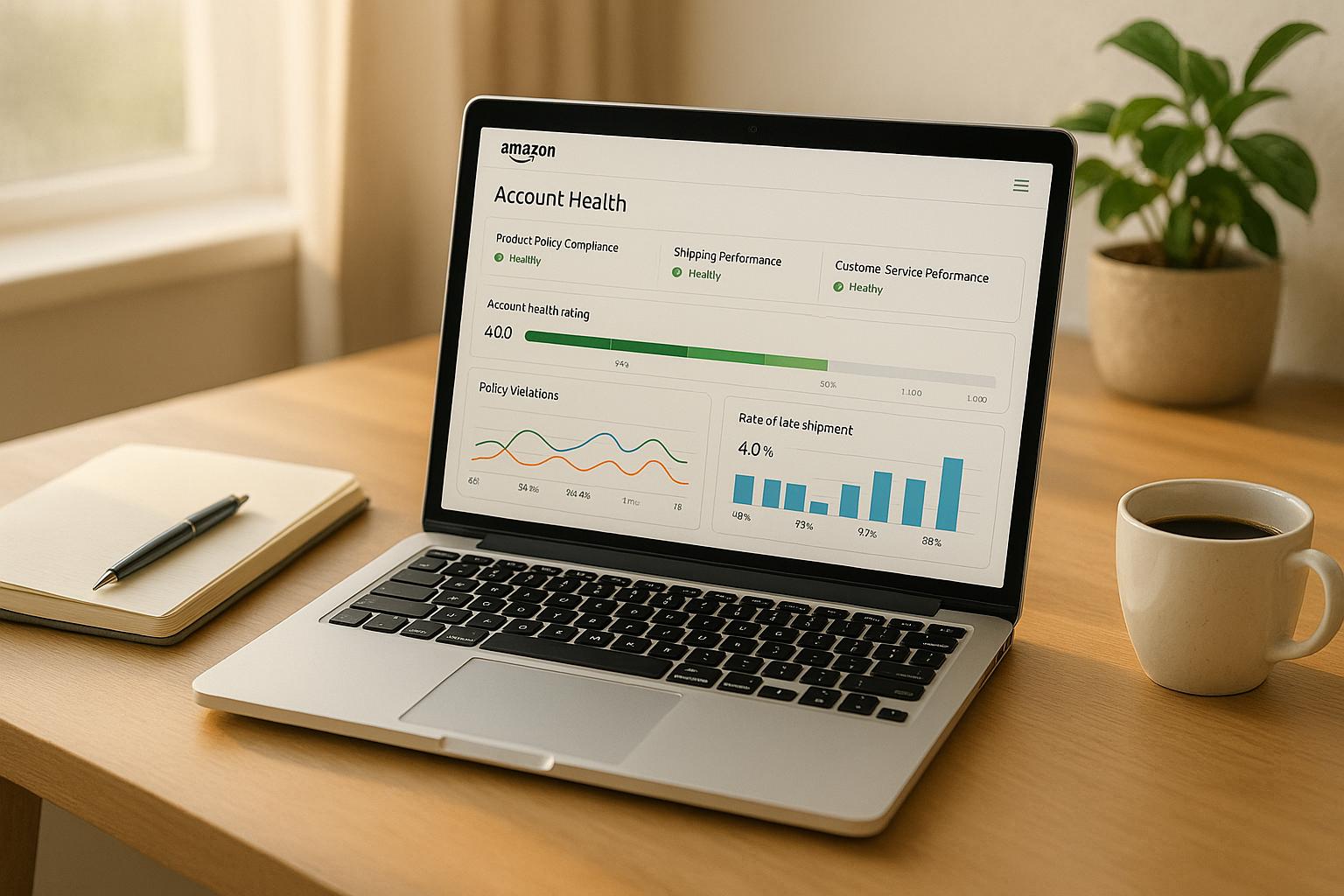
Managing an Amazon seller account manually is no longer practical in today’s competitive and fast-moving marketplace. With multiple metrics, policy updates, and performance indicators to track, even experienced sellers can miss critical warning signs. This is where account health monitoring tools become essential.
These tools provide real-time insights, automate tracking, and help sellers identify risks before they escalate into serious issues like listing suppression or account suspension.
Amazon’s ecosystem is data-driven. Every action—from shipping delays to customer complaints—affects your account health. Without proper monitoring, small issues can quickly become major problems.
Monitoring tools help sellers:
The best tools notify you instantly when:
This allows for immediate action.
Advanced tools provide:
Tools can flag:
Amazon provides built-in tools like:
These are essential but limited in automation.
These offer advanced features such as:
Larger businesses may build custom dashboards to integrate all data sources.
Tools identify issues before they reach critical levels.
Automated alerts enable quick corrective action.
Sellers can optimize operations based on real insights.
Advanced services provide:
Businesses using monitoring tools report:
Monitoring tools are no longer optional—they are essential for success on Amazon. By leveraging real-time data, automated alerts, and performance analytics, sellers can stay ahead of risks and maintain strong account health.

Established in 2021, Amazon Global Appeals provides global assistance for Amazon sellers, specializing in consultations for account suspensions, restrictions, and reinstatements with an impressive 95% success ratio.


